Design
AI-powered design studio with templates, animation, and real-time collaboration
A complete design platform that rivals Canva and Figma. Start from 50+ professional templates, generate images and copy with AI, build multi-page presentations with animated exports, and collaborate in real time with threaded comments. Export print-ready PDFs with bleed marks or publish directly to Social, Marketing, and eCommerce apps.
Design is included free on Deelo — no credit card required. One platform with 50+ integrated business apps.
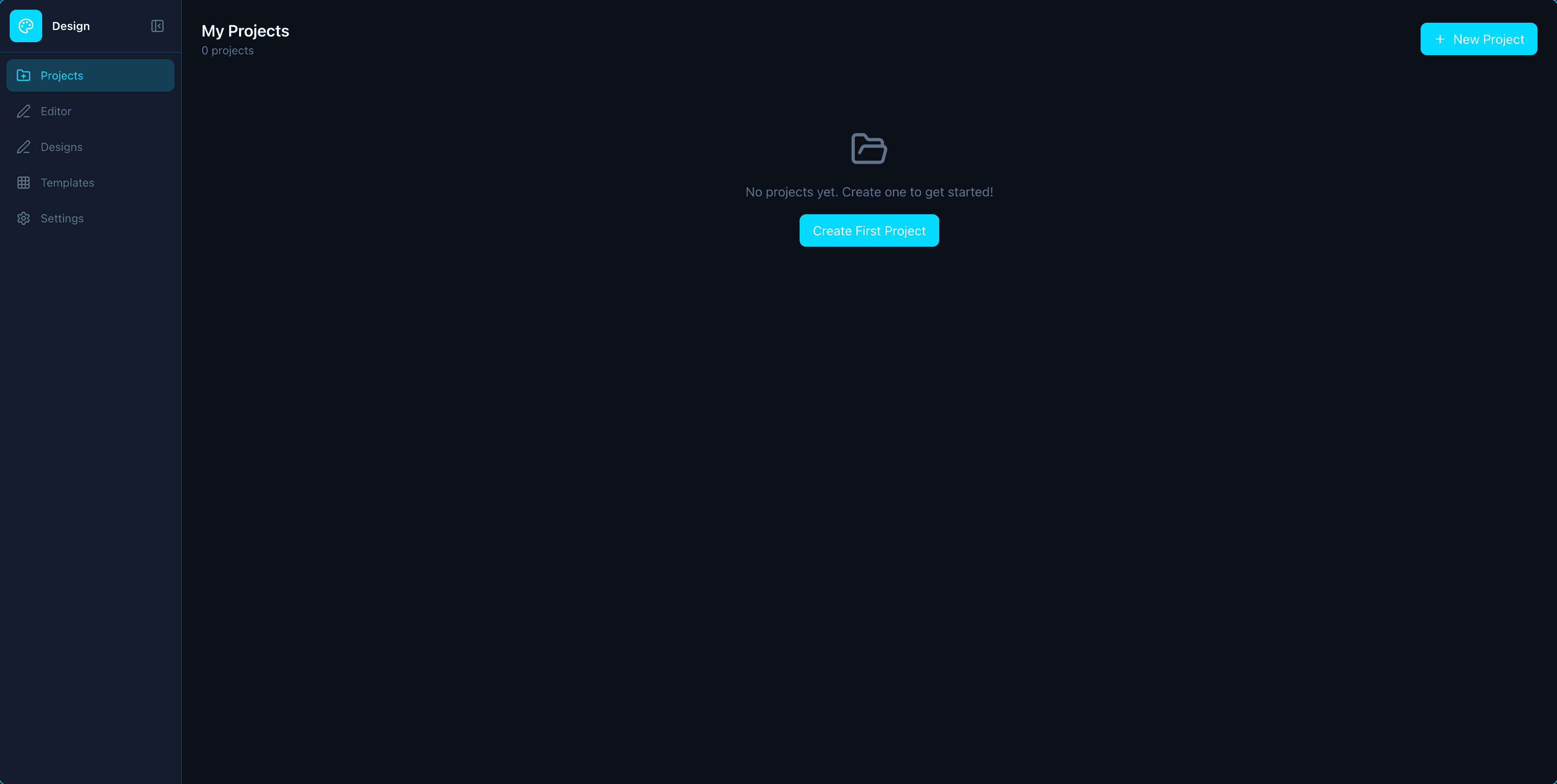
Everything You Need in Design
Powerful features designed to help you work smarter, not harder.
50+ Professional Templates
Start from curated templates across 6 categories -- social media, marketing collateral, business documents, education, events, and personal -- so you never face a blank canvas.
AI Image Generation
Generate original images from text prompts with 8 style presets including photorealistic, illustration, watercolor, and flat design. No stock photo subscriptions needed.
AI Copywriting & Auto-Layout
Write with AI generates headlines, taglines, and body copy with tone control. AI auto-layout suggests alternative layouts, color palettes, and font pairings.
AI Background Removal
Remove backgrounds from any image with one click for clean, transparent cutouts. Perfect for product photos, headshots, and compositing.
Multi-Page Canvas & Presentation Mode
Design multi-page documents with a page navigator. Duplicate, reorder, and present pages in fullscreen slideshow mode with keyboard and touch navigation plus presenter notes.
Animated Export & Timeline Editor
Export designs as GIF or WebM video with 12 animation types. Use the timeline editor to choreograph element entrances, exits, and transitions across frames.
Print-Ready PDF Export
Export production-grade PDFs with DPI control, bleed marks, crop marks, and CMYK color space support for professional printing.
Real-Time Collaboration
Share designs with view, comment, or edit permissions. Leave threaded comments pinned to exact canvas coordinates for precise feedback loops.
Photo Editing Suite
Adjust brightness, contrast, saturation, and blur. Apply 10 filter presets. Crop, flip, and rotate images directly on the canvas without leaving the editor.
Curved Text & 16 Image Frames
Bend text along arcs with adjustable curve radius. Mask images into 16 shapes -- circle, star, heart, diamond, hexagon, cloud, blob, and more.
Cross-App Publishing
Publish finished designs directly to Social, Marketing, and eCommerce apps. One design, every channel -- no exporting and re-uploading.
Canvas Editor, Layers & Brand Kit
Smart guides and snap-to-grid alignment, draggable layers panel, brand colors, logos, fonts, 200+ Google Fonts, gradients, shapes, QR codes, and version history.
Bulk CSV Merge
Generate hundreds of on-brand designs in one batch by merging a CSV into a template -- personalized social posts and collateral at scale.
Why Deelo Design vs Alternatives
See how Deelo stacks up against the most popular design software on the market.
| Feature | Deelo Design | Canva | Figma | Adobe Express | Crello |
|---|---|---|---|---|---|
| Templates Library | Included | Included | Included | Included | Included |
| AI Image Generation | Included | Included | Not included | Included | Not included |
| AI Copywriting | Included | Included | Not included | Included | Not included |
| Background Removal | Included | Included | Not included | Included | Included |
| Animated Export | Included | Included | Included | Included | Included |
| Print-Ready PDF | Included | Included | Included | Not included | Not included |
| Real-Time Collaboration | Included | Included | Included | Not included | Not included |
| 50+ Integrated Apps | Included | Not included | Not included | Not included | Not included |
| Price | $19/seat/mo | $0-15/user/mo | $0-75/editor/mo | $0-10/mo | $0-13/mo |
Who Is Design For?
Built for teams of all sizes across industries.
Perfect for Marketers
- 50+ templates for social media, ads, and email campaigns
- AI-generated images eliminate stock photo subscriptions
- Publish directly to Social, Marketing, and eCommerce apps
Perfect for Small Businesses
- Create professional graphics without hiring a designer
- Brand kit with logos, fonts, and color palettes
- Print-ready PDF export with bleed and crop marks
Perfect for Creators
- Animated GIF and video exports with timeline editor
- Curved text, image frames, and photo editing suite
- Multi-page presentations with slideshow mode
Learn more
Perfect for Design Agencies
- Real-time collaboration with threaded comments on canvas
- AI auto-layout suggests alternative designs and palettes
- Version history with full undo/redo across sessions
Learn more
Works Seamlessly With Your Other Apps
Design integrates with other Deelo apps so your data flows automatically.
Simple, Transparent Pricing
Design is included in every Deelo plan. No hidden fees, no per-feature charges.
Free
$0
For individuals getting started
Starter
$19/seat/mo
For small teams getting started
Business
$39/seat/mo
For growing teams that need more
Enterprise
$69/seat/mo
For organizations at scale
Frequently Asked Questions
Everything you need to know about Design.
Ready to Try Design?
Get started free with all features included. No credit card required.