Projects
Ship on time with Kanban, Gantt, and sprint planning
Full project management with drag-and-drop Kanban boards, interactive Gantt charts with dependency logic, sprint planning with velocity tracking, workload capacity views, and a portfolio dashboard. Automate task workflows, plan recurring tasks, manage custom fields, and track progress across your entire organization from one screen.
Projects is included free on Deelo — no credit card required. One platform with 50+ integrated business apps.
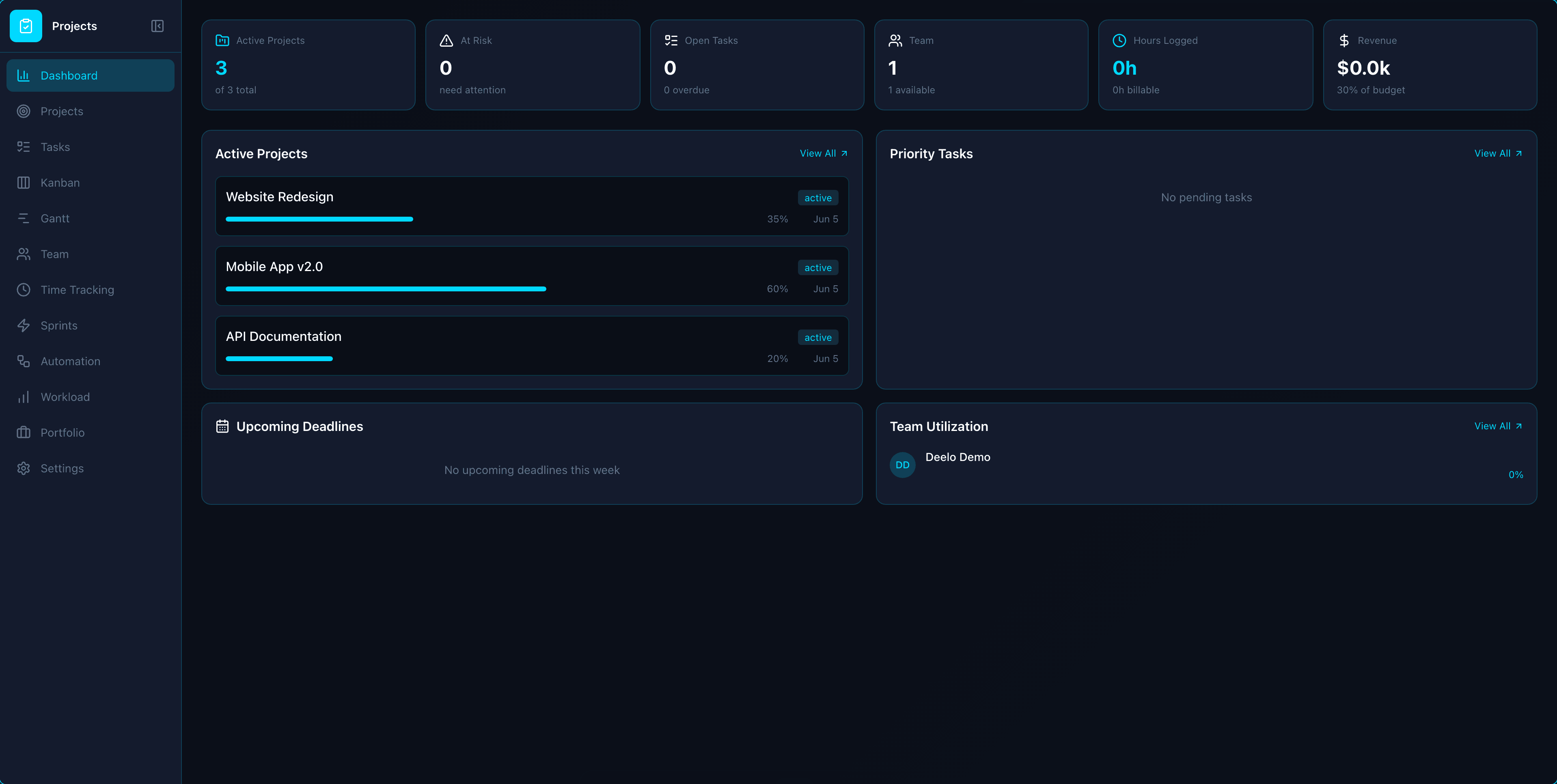
Everything You Need in Projects
Powerful features designed to help you work smarter, not harder.
Drag-and-Drop Kanban
Configurable columns per status, card previews with assignee/priority/due date, and drag-drop updates across boards.
Interactive Gantt Charts
Timeline view with task bars, dependency lines, critical path highlighting, drag-to-reschedule, and cascade date updates.
Sprint & Iteration Management
Sprint backlog from kanban, sprint planning, velocity tracking, burndown charts, and retrospective notes.
Workload & Capacity View
Per-member capacity planning across all projects showing allocated vs available hours with overallocation warnings.
Portfolio Dashboard
Multi-project roll-up view with health status (on track/at risk/behind), progress bars, budget summary, and owner filtering.
Task Automation Rules
When-then rules -- 'when completed, assign next dependent task' -- with triggers on status, assignee, and date changes.
Recurring Tasks
Auto-create tasks on daily, weekly, monthly, or custom schedules with recurrence indicators and next-occurrence preview.
Custom Fields & Inline Editing
App-scoped custom fields on tasks, click-to-edit directly in list view, and bulk actions for multi-select operations.
Configurable Dashboards
Drag-and-drop widgets for burndown, velocity, budget burn, status distribution, and timeline -- per project.
Import/Export & Bulk Actions
CSV import/export with subtask hierarchy support, plus bulk assign, status change, delete, and priority updates.
Time-to-Invoice
One-click from project time entries to Invoicing. Groups unbilled hours by task/date, applies billable rates, and previews a draft invoice before sending.
CRM Deal & Account Linking
Link projects to CRM deals for profitability tracking. See budget vs actual spend, project health badges, and ROI alongside deal value.
AI Project Health Assistant
Ask 'How is Project X doing?' and get a comprehensive summary — health score, budget burn rate, overdue tasks, team utilization, sprint velocity, and risk indicators.
Cross-App Resource Planning
Holistic capacity view combining Projects tasks, HR leave/PTO, Bookings appointments, and Field Service work orders with conflict detection.
Document Collaboration
Embed Docs within project context. Create and manage project-scoped documents linked to tasks, milestones, or the project itself.
Client Portal
External stakeholders view progress, approve deliverables, and comment on milestones through a branded portal with configurable visibility settings.
Custom Workflows
Project-specific task statuses and transitions with a visual workflow designer. Define approval gates and status change validation rules.
Risk Register
Track risk items with probability/impact scoring, mitigation plans, and a visual 5x5 risk matrix. Link risks to tasks and monitor resolution.
AI Status Reports
One-click 'Generate Status Report' that pulls task completion, budget burn, time logged, blockers, and produces a formatted Markdown report via AI.
Enhanced Task Automation
Rule builder: 'When task status changes to X, do Y' — with actions including assign user, change priority, move to section, send notification, create subtask, and update custom field.
Issue & Bug Tracker
A dedicated kanban issue tracker with validated status transitions, so bugs and blockers live alongside your project tasks.
Project Templates
Save any project as a reusable template and spin up new work with a full deep clone of its structure and dependencies.
Gantt Baselines
Capture a point-in-time plan snapshot and overlay planned-vs-actual bars on the Gantt to spot schedule slip at a glance.
Proofing & Approvals
Route deliverables through a review lifecycle with pin-positioned annotations and multi-reviewer approve or reject decisions.
Why Deelo Projects vs Alternatives
See how Deelo stacks up against the most popular project management software on the market.
| Feature | Deelo Projects | Asana | Monday.com | ClickUp | Basecamp |
|---|---|---|---|---|---|
| Kanban Boards | Included | Included | Included | Included | Included |
| Gantt Charts | Included | Included | Included | Included | Not included |
| Sprint Planning | Included | Not included | Not included | Included | Not included |
| Workload Management | Included | Included | Included | Included | Not included |
| Portfolio Dashboard | Included | Included | Included | Included | Not included |
| Time Tracking | Included | Not included | Included | Included | Not included |
| Built-in Invoicing | Included | Not included | Not included | Not included | Not included |
| 50+ Integrated Apps | Included | Not included | Not included | Not included | Not included |
| Price | $19/seat/mo | $0-30.49/user/mo | $0-24/user/mo | $0-19/user/mo | $15/user/mo |
Who Is Projects For?
Built for teams of all sizes across industries.
Perfect for Dev Teams
- Sprint planning with velocity tracking and burndown charts
- Kanban boards for agile workflows with WIP limits
- Gantt charts with dependency logic and critical path highlighting
Perfect for Agencies
- Portfolio dashboard to track all client projects at once
- Workload view prevents team burnout with capacity planning
- One-click time-to-invoice for billable project hours
Learn more
Perfect for Construction
- Gantt charts for multi-phase project scheduling
- Task dependencies ensure crews work in the right order
- Budget tracking with actual vs estimated cost analysis
Learn more
Perfect for Consultants
- Link projects to CRM deals for profitability tracking
- Custom fields for tracking deliverables and milestones
- Automated task creation and assignment workflows
Learn more
Works Seamlessly With Your Other Apps
Projects integrates with other Deelo apps so your data flows automatically.
Simple, Transparent Pricing
Projects is included in every Deelo plan. No hidden fees, no per-feature charges.
Free
$0
For individuals getting started
Starter
$19/seat/mo
For small teams getting started
Business
$39/seat/mo
For growing teams that need more
Enterprise
$69/seat/mo
For organizations at scale
Frequently Asked Questions
Everything you need to know about Projects.
Ready to Try Projects?
Get started free with all features included. No credit card required.